
Rental flow
Four steps to rent
From downloading the app to moving items in—often as fast as 5 minutes.
Everything happens on your phone—no staff hand‑offs and no need to visit in person.
smartphone
01
Download & sign up
Download the Spark Space app, verify your phone number, and activate your account.


grid_view
02
Pick a unit
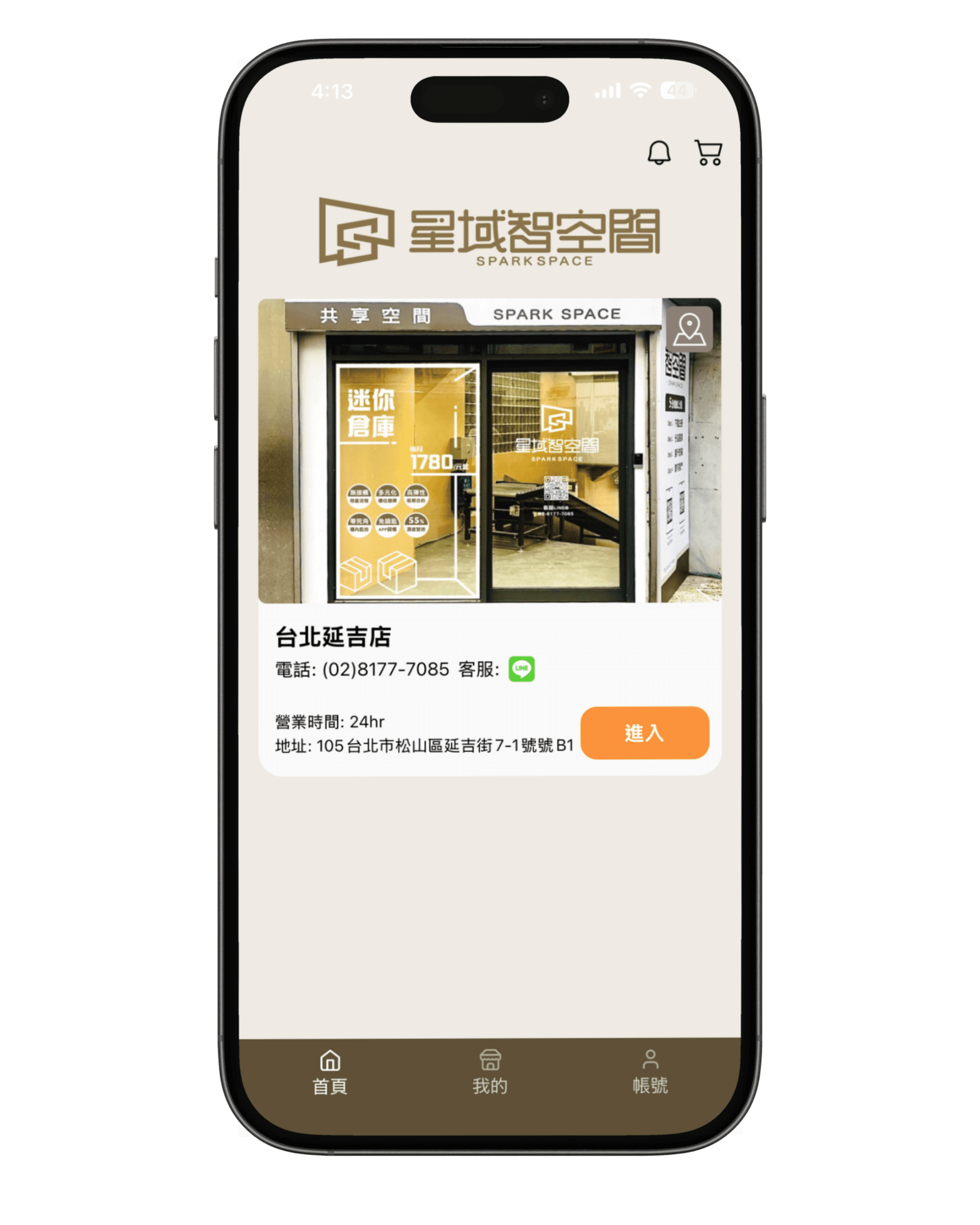
Browse the Yanji store map, see live availability and dimensions, and choose the size you need.
Compare unit sizes arrow_forwardlock_open
03
Get a digital code
We generate your dynamic access code for the store entrance and your private unit—secure and refreshed as needed.
contract
04
Sign & pay online
Complete the e‑contract and card payment online—active immediately so you can move in today.
timer
As fast as 5 minutes end‑to‑end
No walk‑ins required, no waiting, no manual hand‑offs
Smart management appEverything about
Everything about
your storage
Our in‑house platform—not a generic third‑party app—ties renting, access, monitoring, and payments together so you stay in control.
videocam
Live monitoring
HD live video so you can check your unit’s status anytime.
touch_app
One‑tap renting
Reserve, rent, and sign in an intuitive flow—often under three minutes.
key
Dynamic passcodes
Issue time‑bound codes so friends or movers can access your unit safely.
map
In‑store wayfinding
Floor‑plan guidance that leads you straight to your rented unit.
Ready when you are
Pick a unit and start using it today.